What GPT Image 2.6 can do
Two models, a separate planning control, short motion, vector export, and pinpoint edits.
The new generation
GPT Image 2.6 is the generation after GPT Image 2.5, split into Flare and Sunburst. Both generate and edit from text and reference images. It is faster than the previous generation and can output GIF and SVG.
Flare for the draft, Sunburst for the frame you keep
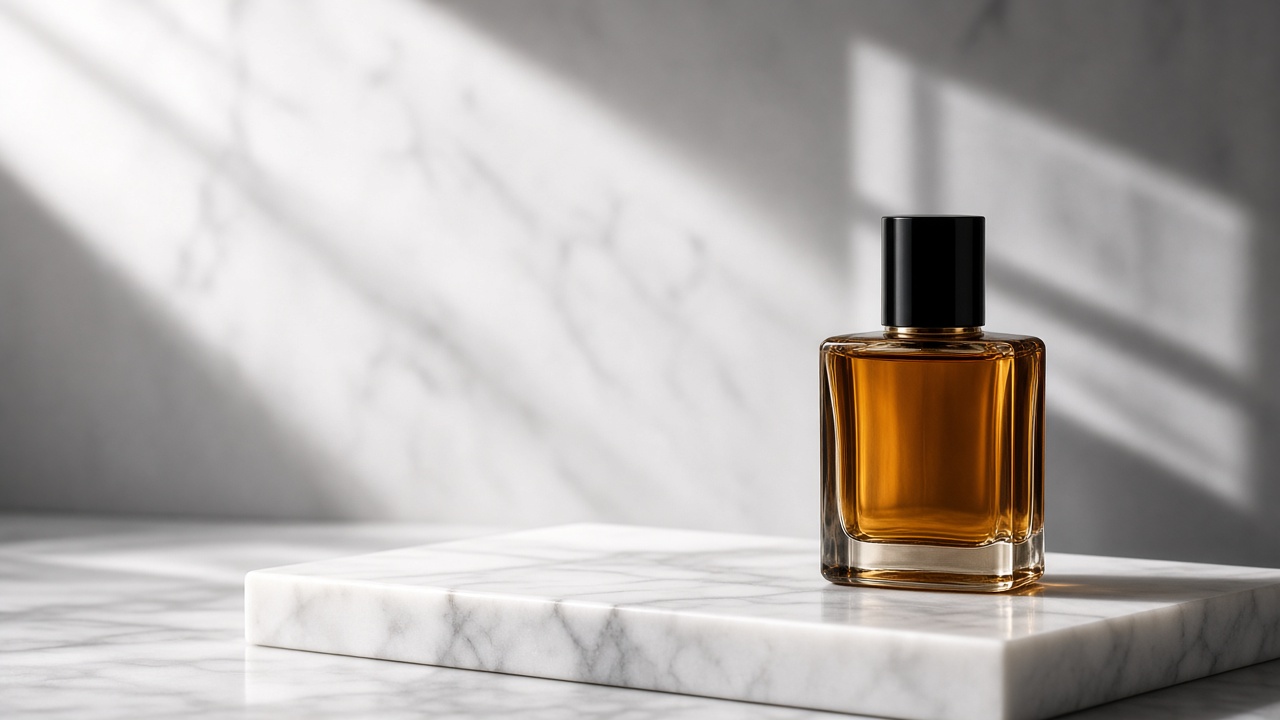
Flare is the smaller, faster model. Reach for it when the next useful artifact is a draft you are willing to throw away: a poster layout, a product angle, a social crop, or an edit that only has to answer one question. OpenAI says that with quality set to low, Flare can return an image in as little as about six seconds. That figure is the light end of the range, not a service level for every prompt. A crowded scene, a large size, or a higher quality setting will take longer, and it should. Flare is also described as stronger on the layout of posters, product imagery, and other professional frames, where type, margins, and the product have to sit in a deliberate order.
Sunburst is the model for work that has to survive a second look. OpenAI describes it as the choice for detailed compositions and for edits that stay consistent from round to round, especially when quality is medium or high. If GPT Image 2.5 Sunburst is what you already use when a character, a package, or a brand color cannot drift, 2.6 Sunburst is the direct test. If 2.5 Flare, or GPT Image 2 itself, already meets the quality bar, start on 2.6 Flare. Compare the two with the same prompt, the same references, the same dimensions, and the same quality. Change only the model. If you also rewrite the prompt, you will not know which difference you are looking at.
Faster is only useful if the first frame is readable
OpenAI says Images 2.6 generates images about 50 percent faster than the previous generation. Speed is the number people will repeat, and it is not the whole change. A faster wrong layout is still a wrong layout. The practical gain is that you can reject a direction before you have paid a long render for it. Use the fast pass to decide whether the subject is large enough, whether the type has a place a person would actually read, and whether the product is the hero. Those are composition questions. They do not require maximum texture.
Move to Sunburst, and raise quality, after those questions are answered. Keep the prompt stable between the two passes. Mixing a brand-new description into the slow render hides whether the model or the wording did the work. If the fast frame is already wrong in a way a quality bump cannot fix — the product is tiny, the headline is in the wrong language, the crop cuts the subject — rewrite that one clause and run Flare again. Do not spend the careful model on a prompt you have not looked at.
Short loops, not a video editor
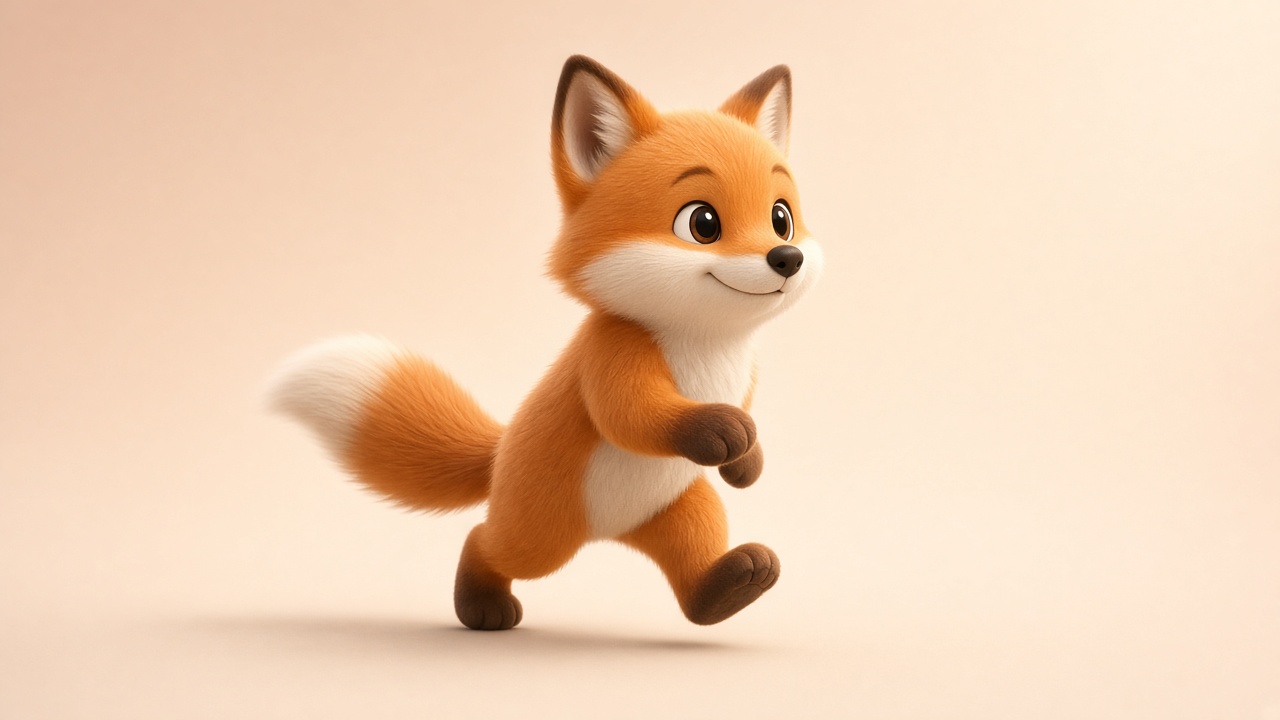
GPT Image 2.6 can write motion into the file. Generation can output GIF along with PNG, JPEG, WebP, and SVG. The loops OpenAI highlights are deliberately short: a brand mascot that moves, a product shot that becomes a campaign loop, a reaction, a meme, or a storyboard beat that shows how a character shifts before anyone opens a video tool. A GIF is a loop with a point, not a scene with a plot.
Say what moves and what is locked. A mark that blinks, a product that turns a few degrees, a hand that lifts once, a light that pulses. Keep the background quiet enough that the motion is the thing a person notices. Do not ask for a beginning, a middle, and an end and expect a film. If the loop has to match a still you already approved, describe that still as the first frame and name the only change.
SVG when the next step is a design file
SVG is the other new output. A PNG is a picture of a design. An SVG can be placed on a website, in an app, or in a print workflow that expects vectors. OpenAI describes SVG export as a way to carry the image into that next production step, including artwork with transparency. Transparent backgrounds are also available on PNG and WebP. JPEG remains the compact choice when you do not need an alpha channel. The compression control applies to JPEG and WebP only.
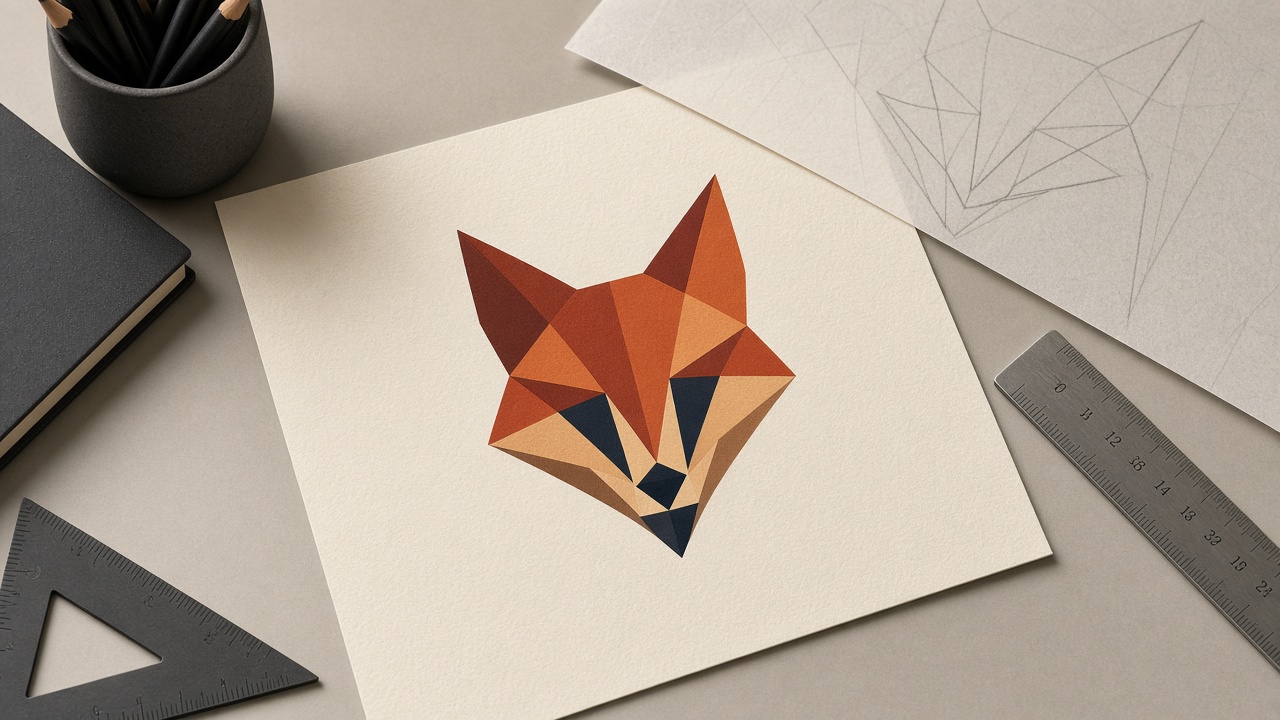
Choose SVG for a logo lockup, an icon, a flat illustration, or a diagram with clean shapes and a few words. Choose a raster format when the picture is photographic, textured, or full of detail that a vector path will simplify away. If a job needs both, plan two outputs: an SVG for the mark, and a PNG for the campaign still. Forcing a product photograph through SVG and then wondering why the texture collapsed is a format mistake, not a model failure. Quote any words that must remain readable, and name the language, the same way you would for a poster.
Quality and complexity are different knobs
Quality still means visual detail and fidelity: texture, small lettering, and how much information the frame is allowed to hold. The documented settings are auto, low, medium, high, xhigh, and max. Complexity is new. It controls how much the model plans before it renders, and the settings are low, medium, and high. If you omit complexity, both Flare and Sunburst plan at high. That default is worth knowing, because a one-line color change does not need the same planning as a poster with a headline, a price, and three products.
The two settings are not aliases. A small edit can be lightly planned and still visually clean. A layout with a required reading order can need more planning without needing the maximum texture. OpenAI recommends low complexity for most edits, paired with whatever quality the job actually needs. Raise complexity when the prompt is a list of constraints: a grid, many objects that all have to be present, or a composition that failed because the model improvised. Lower it when you are changing one thing and the rest of the frame must stay put. If an edit keeps redrawing the parts you liked, complexity is the first setting to revisit, before you rewrite the whole prompt.
Markup tells the model where, the prompt tells it what
Markup-guided editing is the control for a region words keep missing. An edit can include a transparent PNG overlay with the same pixel dimensions as the first input image. The prompt says what should change. The overlay says where. That is the difference between asking for the left shoe and watching the right shoe change color. OpenAI added this for supported GPT Image 2.5 and 2.6 models, not only for 2.6.
Keep the overlay aligned to the source pixels, change one region at a time, and say what must remain: identity, type, and everything outside the mark. A mask does not replace a clear instruction. It only stops the instruction from landing in the wrong place.
How to pick a model
Start on Flare while the idea is still movable. Keep quality at low or medium, and keep complexity low unless the scene is crowded. Decide the subject, the crop, and whether type has a real place to live. When the frame is one you would defend, switch to Sunburst for the version that has to match the next images in the series: the same character, the same packaging, the same colors. Edit a single clause between runs. A full rewrite throws away the comparison.
Quote the exact words that must appear, and name the language. A model that can render multilingual type still needs the string. Use a reference when words cannot lock a face, a material, or a brand color, and prefer one strong reference over a stack of unrelated moods. When a region keeps drifting, markup is the model's answer, but this studio does not support it yet. Until it does, narrow the edit to one clause, say what must stay, and add a reference for the part that keeps changing.
Using GPT Image 2.6 on Image 2
GPT Image 2 and 2.5 already generate from prompts, references, and 1K to 4K. 2.6 is faster, and adds GIF, SVG, and a separate planning control. OpenAI also gave markup edits to 2.5, but Image 2 does not offer them yet.
On Image 2, 2.6 Flare and Sunburst make PNG stills at 1K, 2K, or 4K, a 9-frame GIF loop, or an SVG, from a prompt or with up to 16 reference images. SVG is text-to-image only. You can set complexity to low, medium, or high. Each run returns one image, and credits follow the same rules as GPT Image 2 and 2.5. Markup edits are not in the studio yet.
Open the generate pageGPT Image 2.5 Flare and SunburstPricing and credits