
Create stunning images with GPT Image 2
Powered by GPT Image 2—strong instruction following, readable multilingual text, 1K–4K output, and reference-guided edits.
- GPT Image 2
- 16+ aspect ratios
- Reference editing
- Multilingual text
- 1K / 2K / 4K output
- 16+ aspect ratios
- Multilingual text in images
GPT Image 2 prompt inspiration
Browse real GPT Image 2 results—posters, portraits, products, and more. Tap a prompt to try it in the generator above.
How to generate images with GPT Image 2
Prompt, generate, and download with GPT Image 2—flexible ratios and up to 4K output.
- Step 1
Write or load a prompt
Describe your scene in plain language, load a gallery prompt, or add up to 16 references so GPT Image 2 can follow style and composition.
- Step 2
Generate at the size you need
Pick from 16+ aspect ratios and 1K, 2K, or 4K. GPT Image 2 follows complex instructions and keeps multilingual text readable in posters and UI mockups.
- Step 3
Download and iterate
Preview full-size GPT Image 2 results, download your image, or set it as a reference for the next edit—iterate without leaving the page.
Turn prompts into production-ready images
GPT Image 2 reads scenes like a creative director—objects, lighting, layout, and readable text. Describe what you want in plain language, load a gallery prompt, or add references, then get balanced results in seconds.
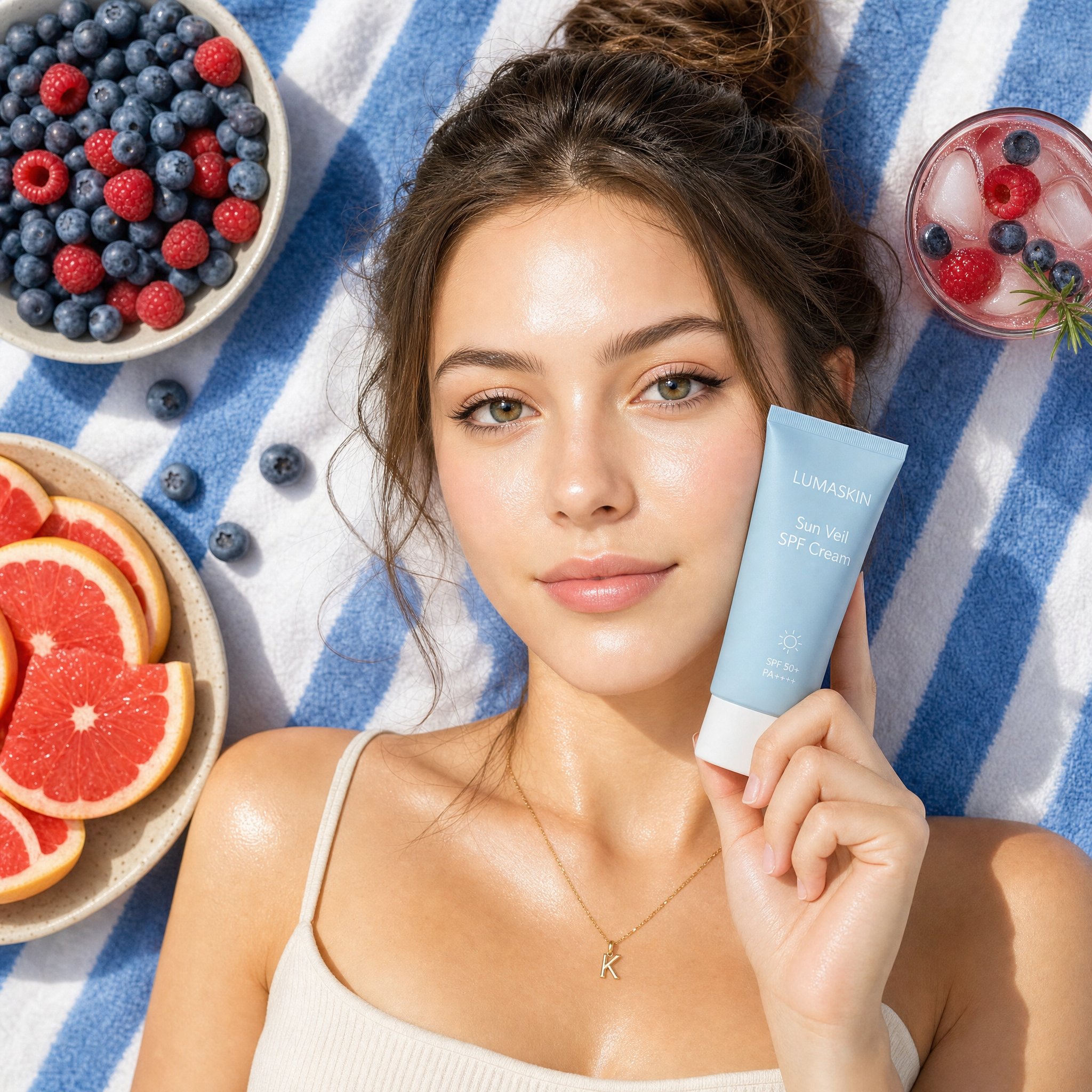
Generate at any aspect ratio — up to 4K
Pick from 16+ aspect ratios and 1K, 2K, or 4K GPT Image 2 output. Composition, color, and detail stay consistent for portraits, product shots, posters, and social posts.
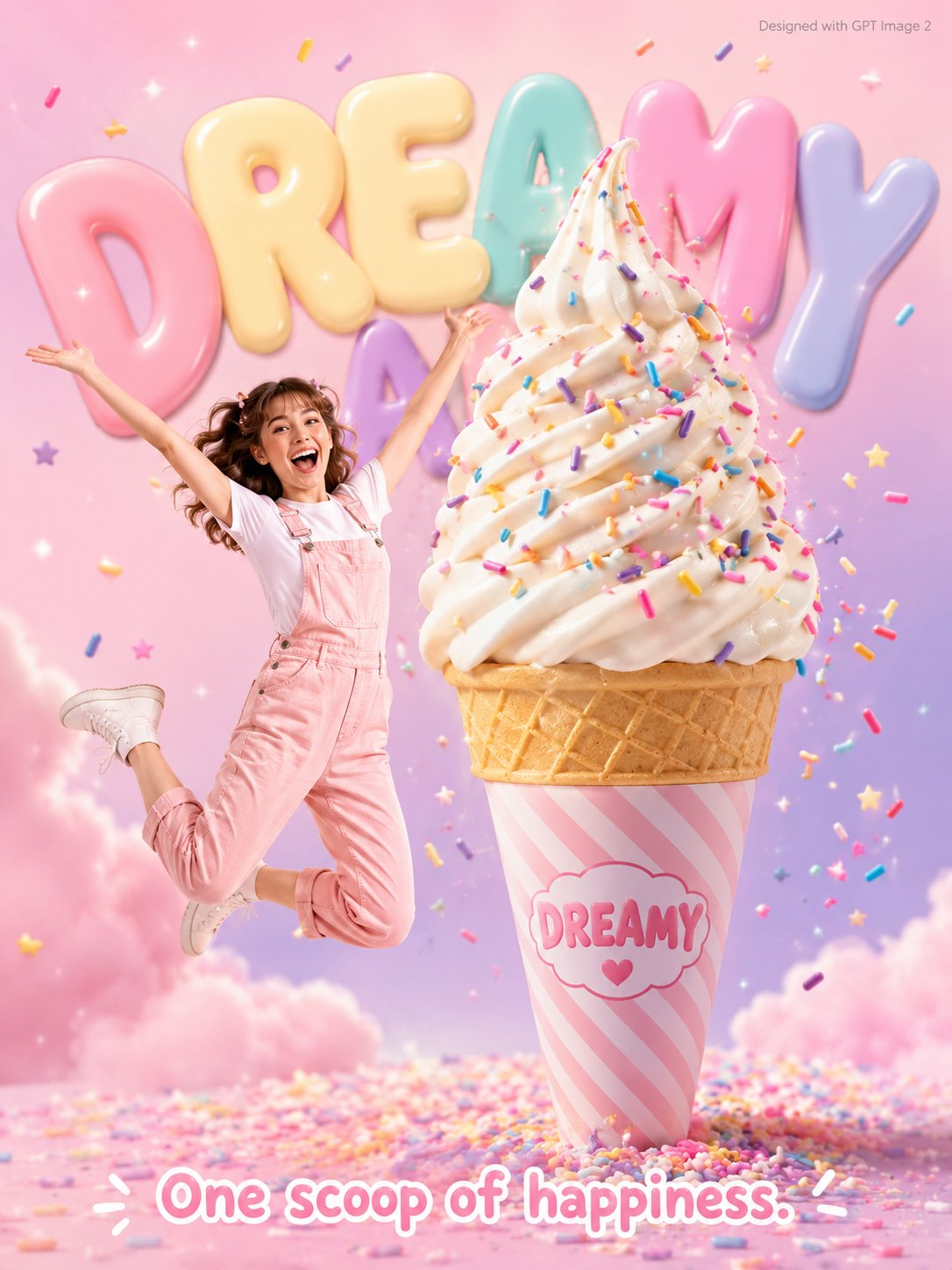
Reference-guided edits with realistic detail
Upload or reuse up to 16 reference images to steer subject, style, and framing. GPT Image 2 blends new pixels with your references so textures and fine details stay crisp—even at 4K.
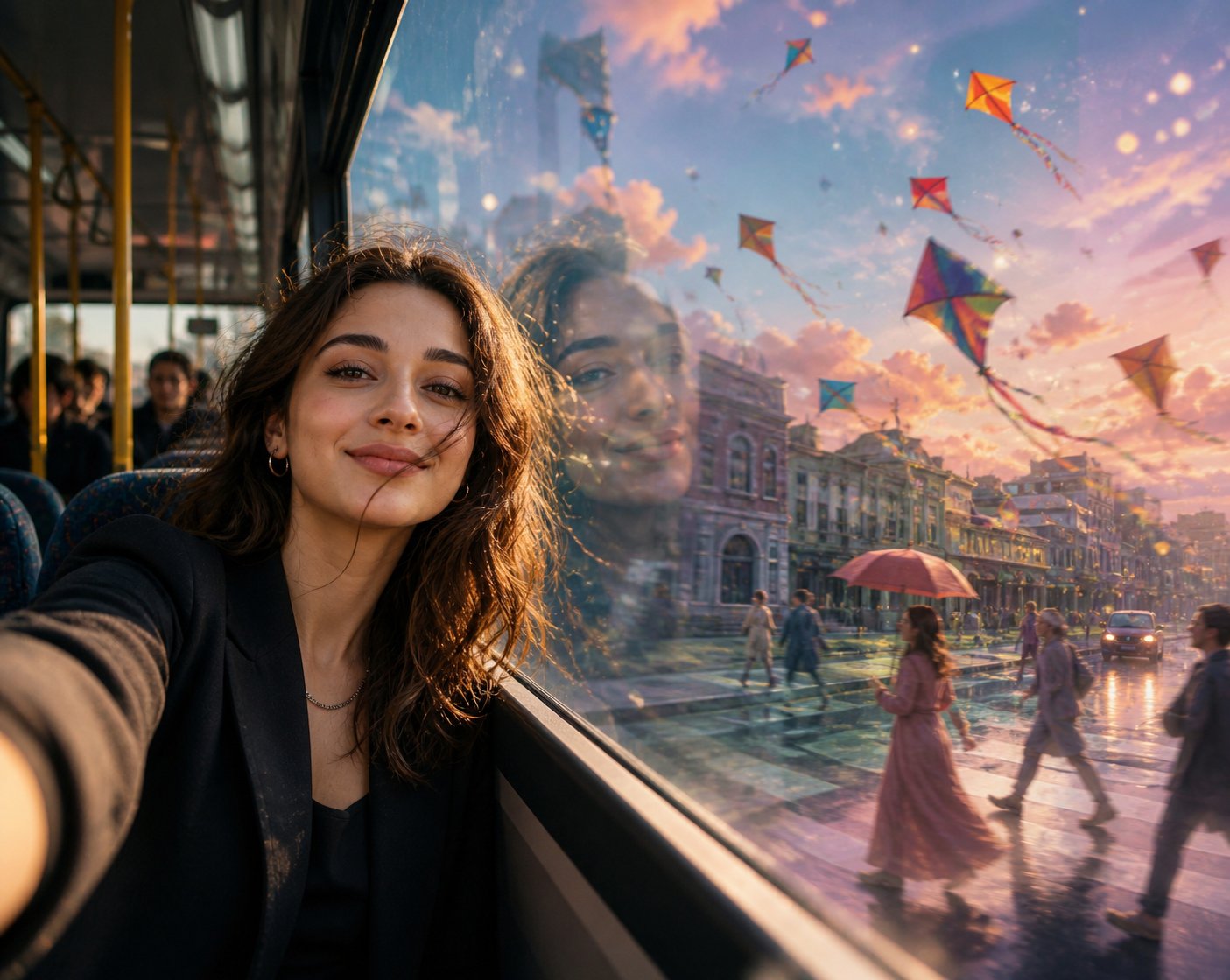
Readable multilingual text inside images
GPT Image 2 renders crisp, legible text in posters, menus, UI mockups, and ads—including Chinese, Japanese, English, and mixed layouts. Describe the copy in your prompt and keep typography sharp from 1K through 4K.
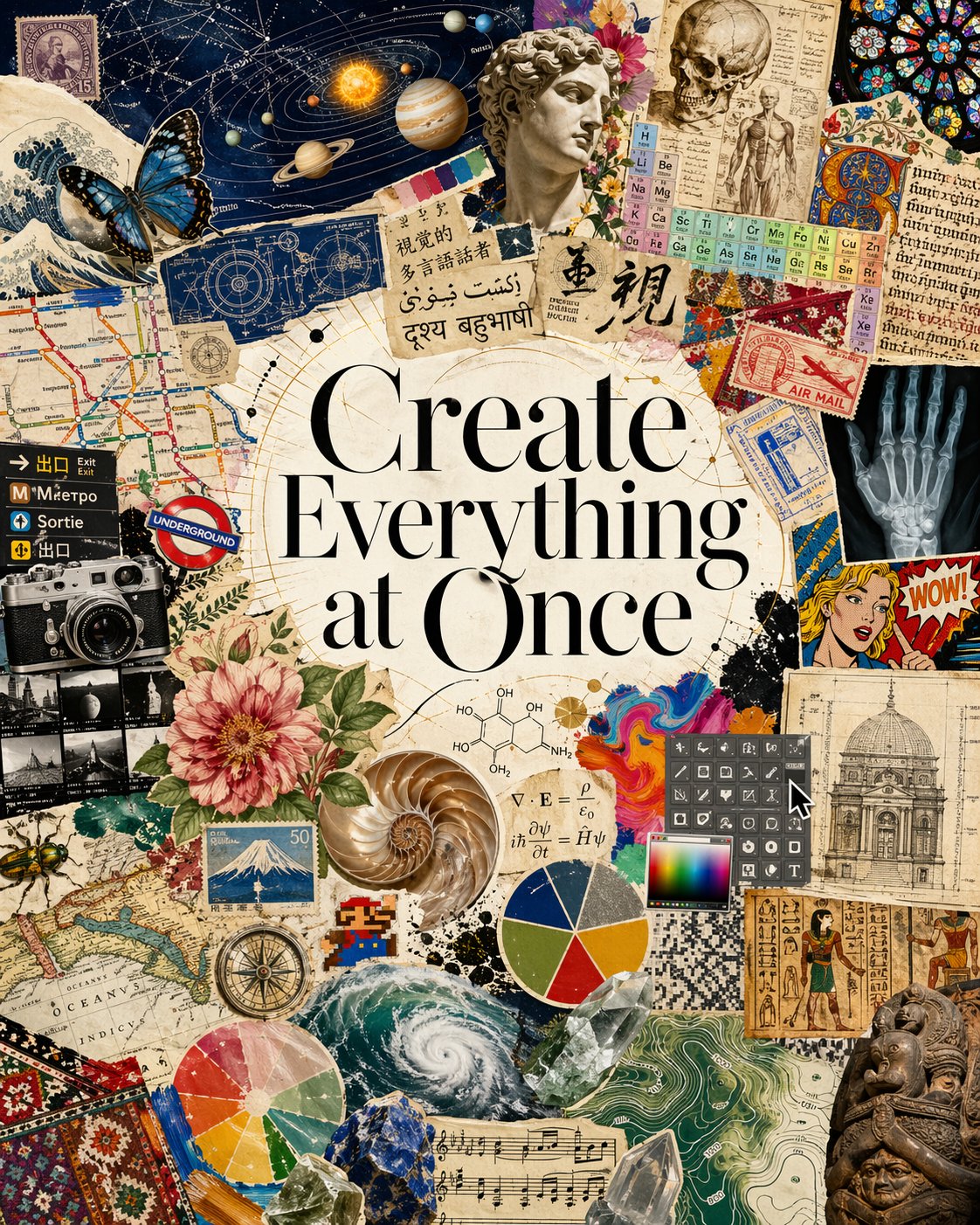
Features
Built for GPT Image 2 workflows
A focused workspace for GPT Image 2—precise prompts, flexible formats, reference edits, and a community prompt library.
Text-to-image
Generate with GPT Image 2 across 16+ aspect ratios and 1K–4K resolution. Ideal for social posts, ads, posters, and layouts that need readable multilingual text.
Prompt gallery
Browse portraits, products, posters, and more. One click loads a proven GPT Image 2 prompt—great for learning how complex scenes are described.
Reference editing
Upload or reuse outputs as references—guide subject, style, and composition with up to 16 images per GPT Image 2 run.
Flexible Credits
Pay only for GPT Image 2 generations you run. Free credits on signup, affordable packs, and rewards when your work is featured.
Save Favorites
Heart any prompt to build your personal library. Sign in to sync favorites across devices.
Publish & Earn
Share creations to the community gallery. Get 10 bonus credits when your work is featured by our editors.
GPT Image 2 & 2.5 credits & pricing
Buy credits for GPT Image 2 & 2.5—1K to 4K output, reference edits, free signup credits. Clear per-image costs before you generate.
5 credits per image
Basic
500 credits
Valid for 30 days
Light use and quick top-ups
- 500 credits
- Valid for 30 days
- GPT Image 2 model
- GPT Image 2.5 Flare & Sunburst
- Publish to community gallery
- Reference image support
- Up to 4K resolution
- Cancel anytime
Plus
1200 credits
Valid for 30 days
Best for regular creators
- 1200 credits
- Valid for 30 days
- GPT Image 2 model
- GPT Image 2.5 Flare & Sunburst
- Publish to community gallery
- Reference image support
- Up to 4K resolution
- Cancel anytime
Max
3500 credits
Valid for 30 days
For power users and batches
- 3500 credits
- Valid for 30 days
- GPT Image 2 model
- GPT Image 2.5 Flare & Sunburst
- Publish to community gallery
- Reference image support
- Up to 4K resolution
- Cancel anytime
- Priority generation queue
FAQ
Common questions about GPT Image 2 generation, credits, and prompts.
Try GPT Image 2
Free credits on signup, 1K–4K GPT Image 2 output, and reference editing—start generating in seconds.